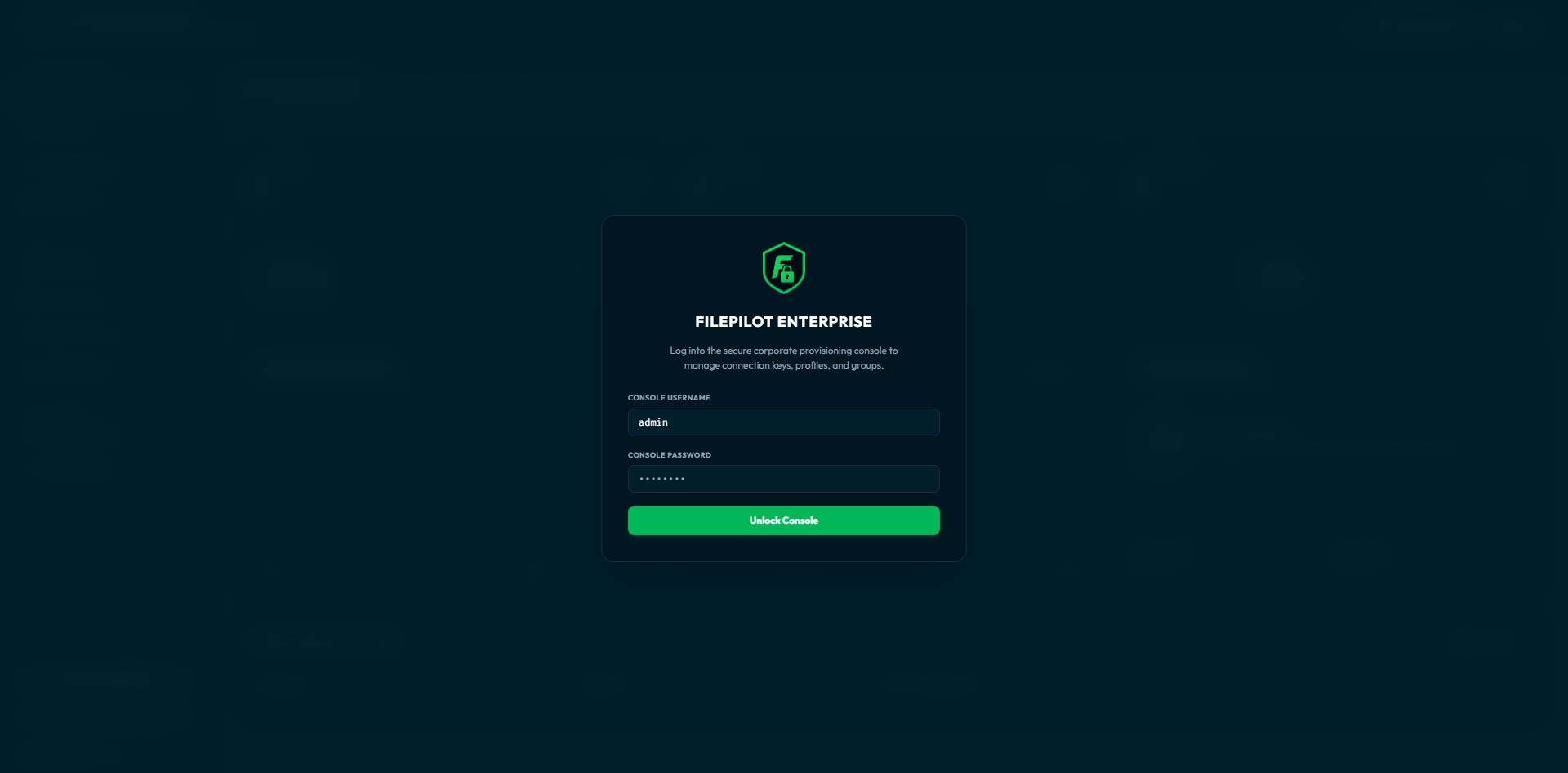
Secure Sign-In for Admins
Two-factor login, automatic lockout after failed attempts, and full control over active sessions — strong protection for the admin panel, right out of the box.
The team server that gives everyone secure access to your servers — without sharing passwords. You decide who can reach what, and keep a tamper-proof record of every action.
When everyone uses their own file-transfer app, you have no idea what data is leaving your network — or who sent it.
Server passwords and keys end up saved on dozens of laptops — a security incident waiting to happen.
Without one central, tamper-proof record of every transfer, proving compliance (like SOC 2 or HIPAA) is a nightmare.
Deploy the Enterprise Vault in minutes. A browser-based wizard guides you through database selection, master key setup, and your first admin account.
Visit /admin on your server and a browser wizard walks you through database selection, master key setup, and admin account creation — no CLI knowledge required.
Use embedded SQLite for small teams, or connect to an existing PostgreSQL or MySQL cluster for high-availability enterprise setups.
Test the database connection directly from the setup wizard before saving. Catch credential or network issues before they cause problems.
All settings live in config.json and a SystemConfig table. Reproducible deployments, easy infrastructure-as-code integration.
Set sensitive values like the master key via environment variables. Compatible with Kubernetes secrets, Docker env vars, and CI/CD pipelines.
Two-factor login, automatic lockout after failed attempts, and full control over active sessions — strong protection for the admin panel, right out of the box.
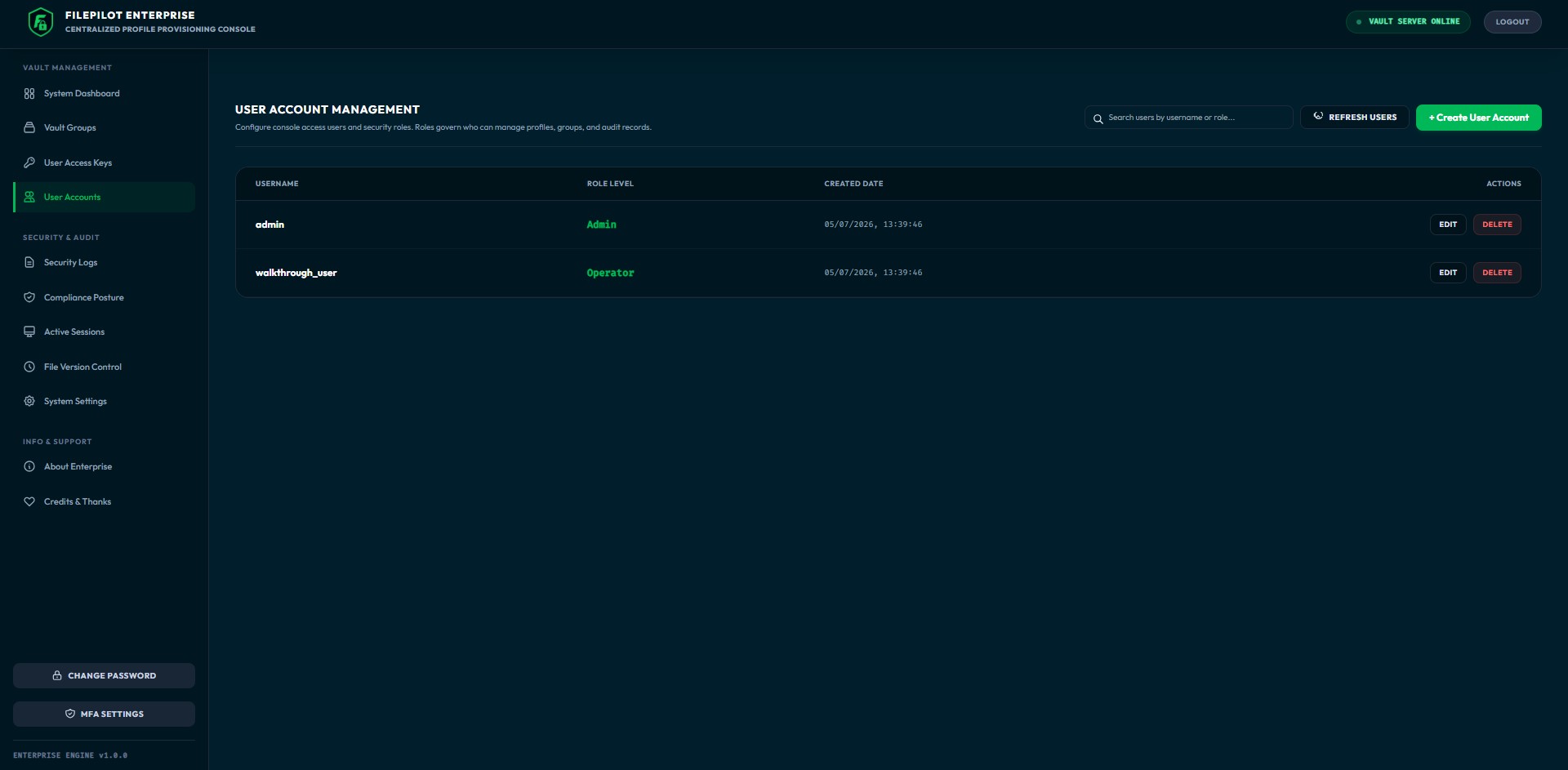
Give each person exactly the access they need with four ready-made roles and 20+ fine-grained permissions — enforced on the server, not just hidden in the interface.
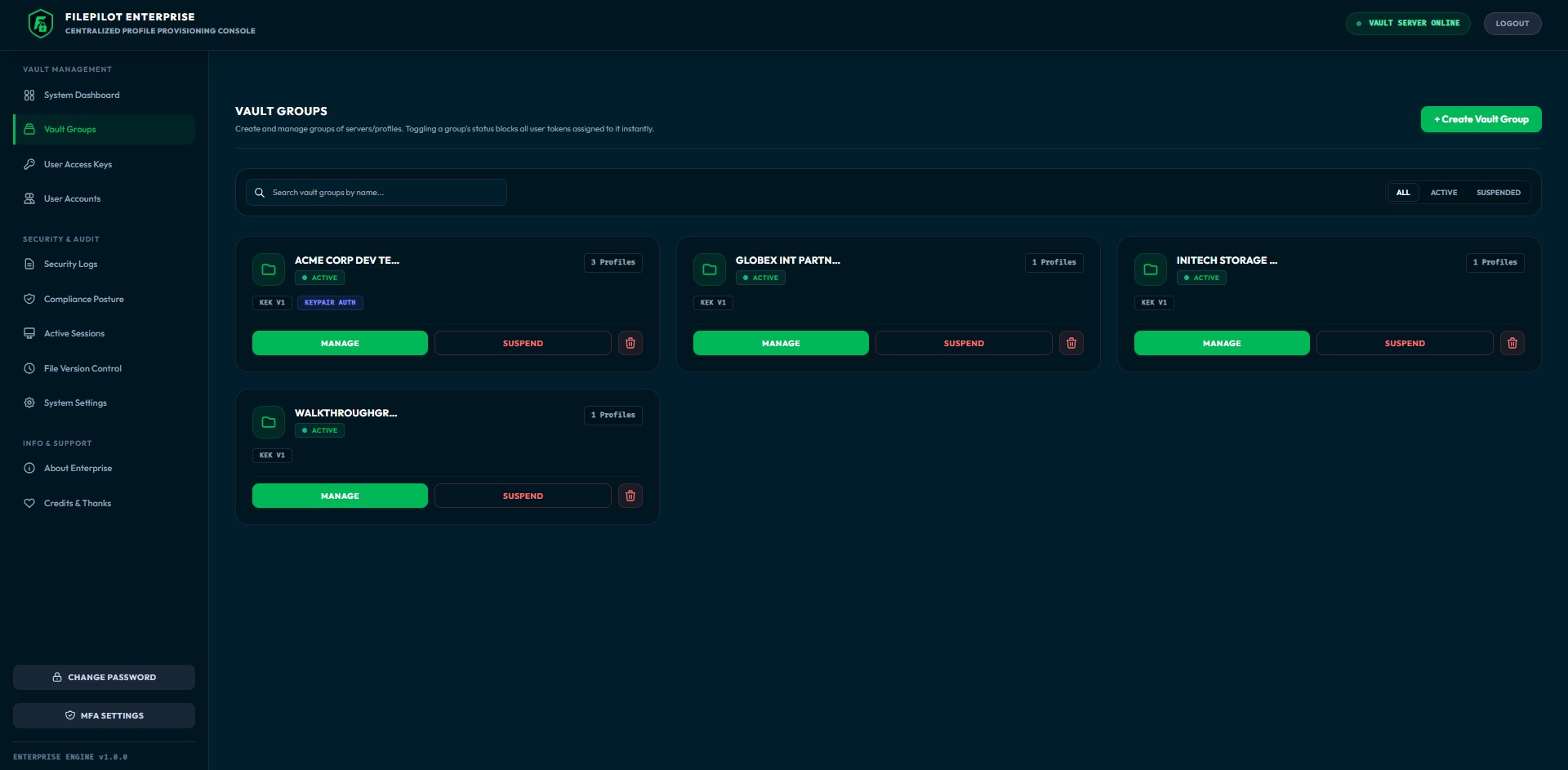
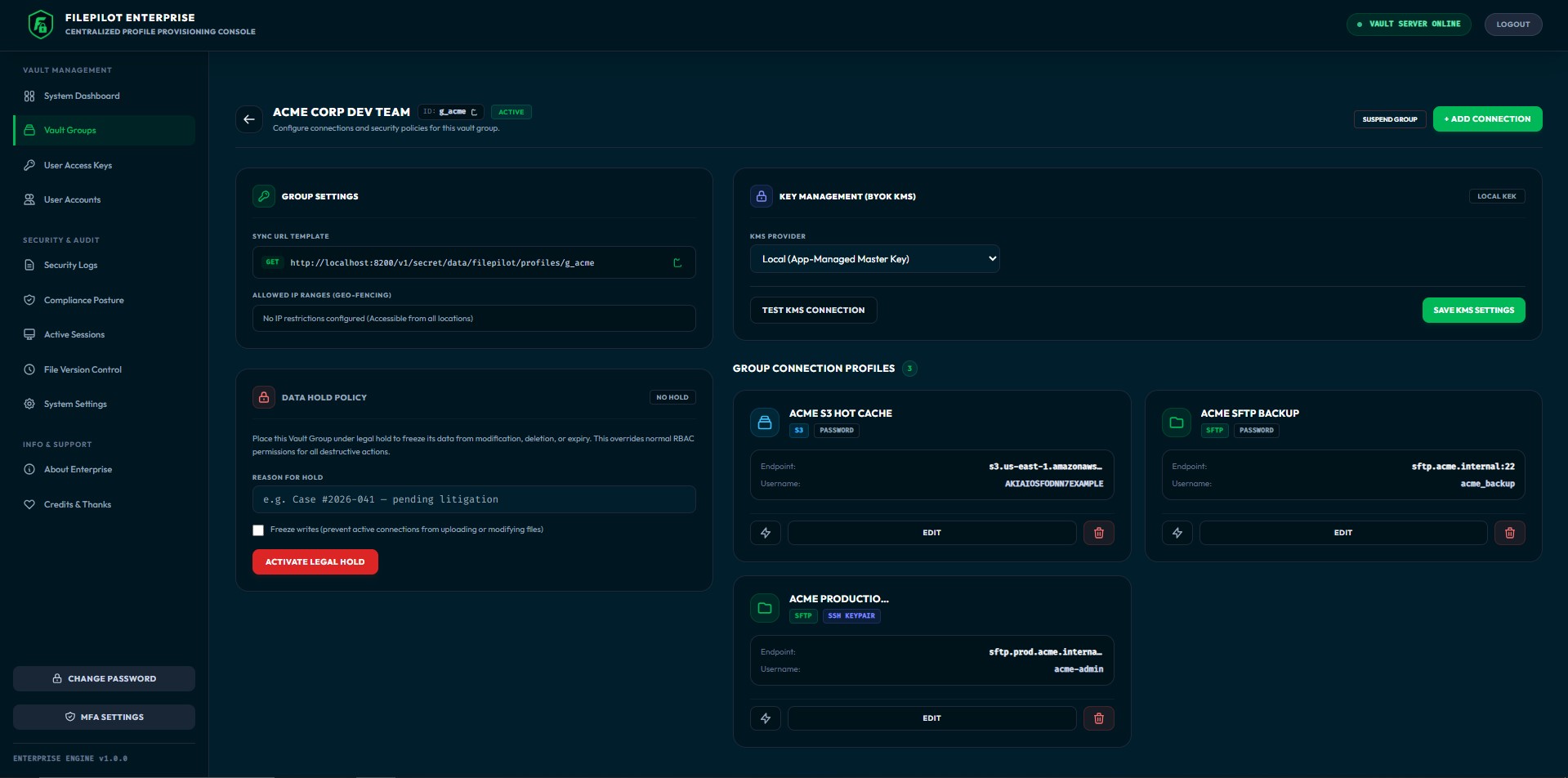
Sort your server logins into separate groups — one per team, project, or environment. Each group has its own encryption key and its own list of allowed IP addresses.
Keep every server login in one place. Create one, test it, and it's instantly available to every approved teammate — no emailing passwords around.
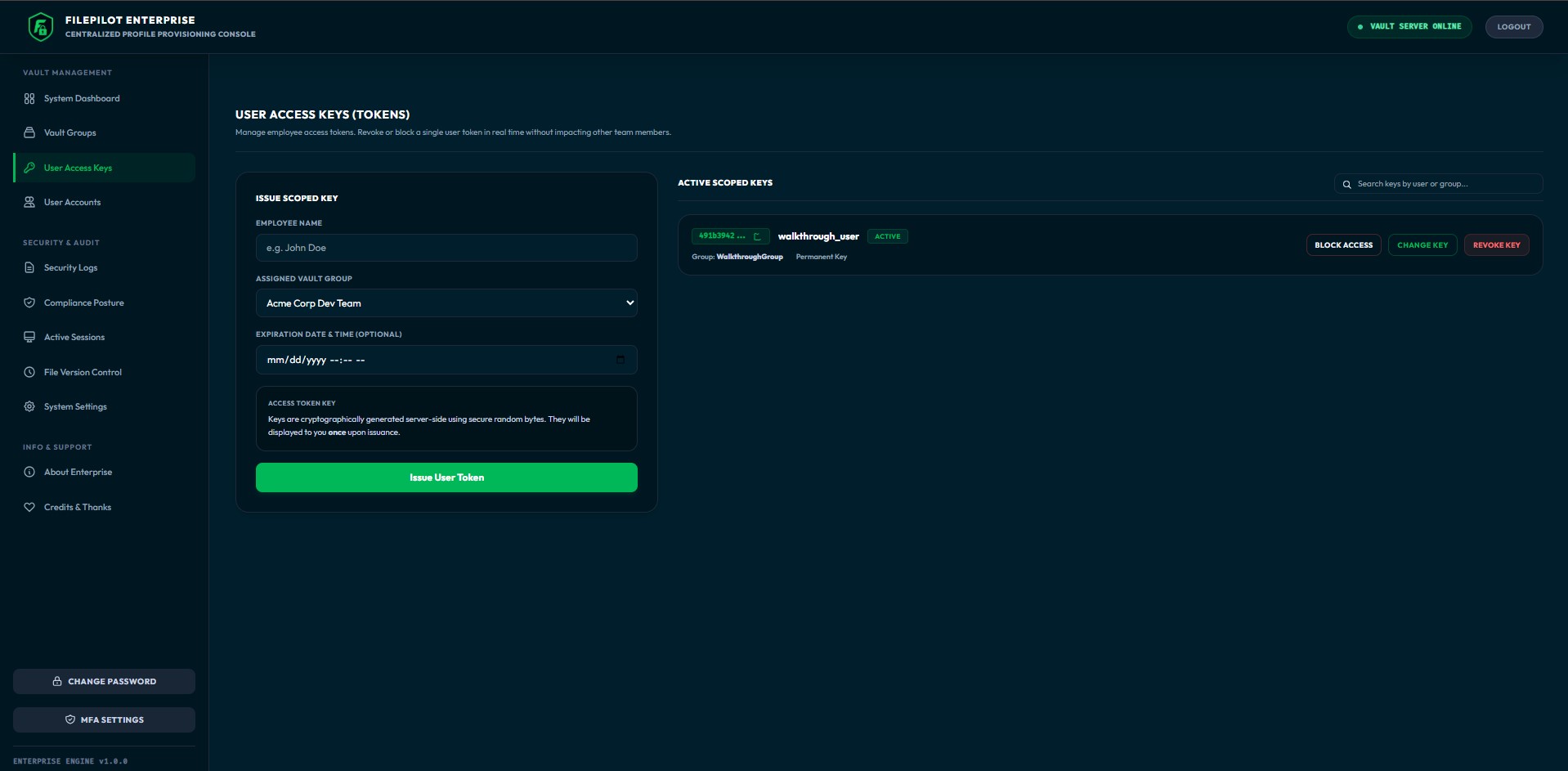
Hand out secure access keys, then track, block, or cancel them anytime. Each key works for just one person and one group, and can expire on a date you choose.
Cryptographically secure tokens generated server-side. The raw token is shown exactly once — never stored again.
Only the hash is stored in the database. If the database leaks, token hashes can't be reversed to the originals.
Every token is tied to a specific user identity and vault group. Can't be reused across groups or impersonate other users.
Set optional expiry dates. Expired tokens are blocked automatically — no cron job or admin action needed.
Block a token from the admin panel and the connected desktop client loses access within seconds via WebSocket notification.
Tokens belonging to a group under Legal Hold cannot be deleted or reissued for the duration of the investigation.
Two-tier envelope encryption with rotatable master keys, per-group data keys, and pluggable KMS backends — from AWS to HashiCorp Vault.
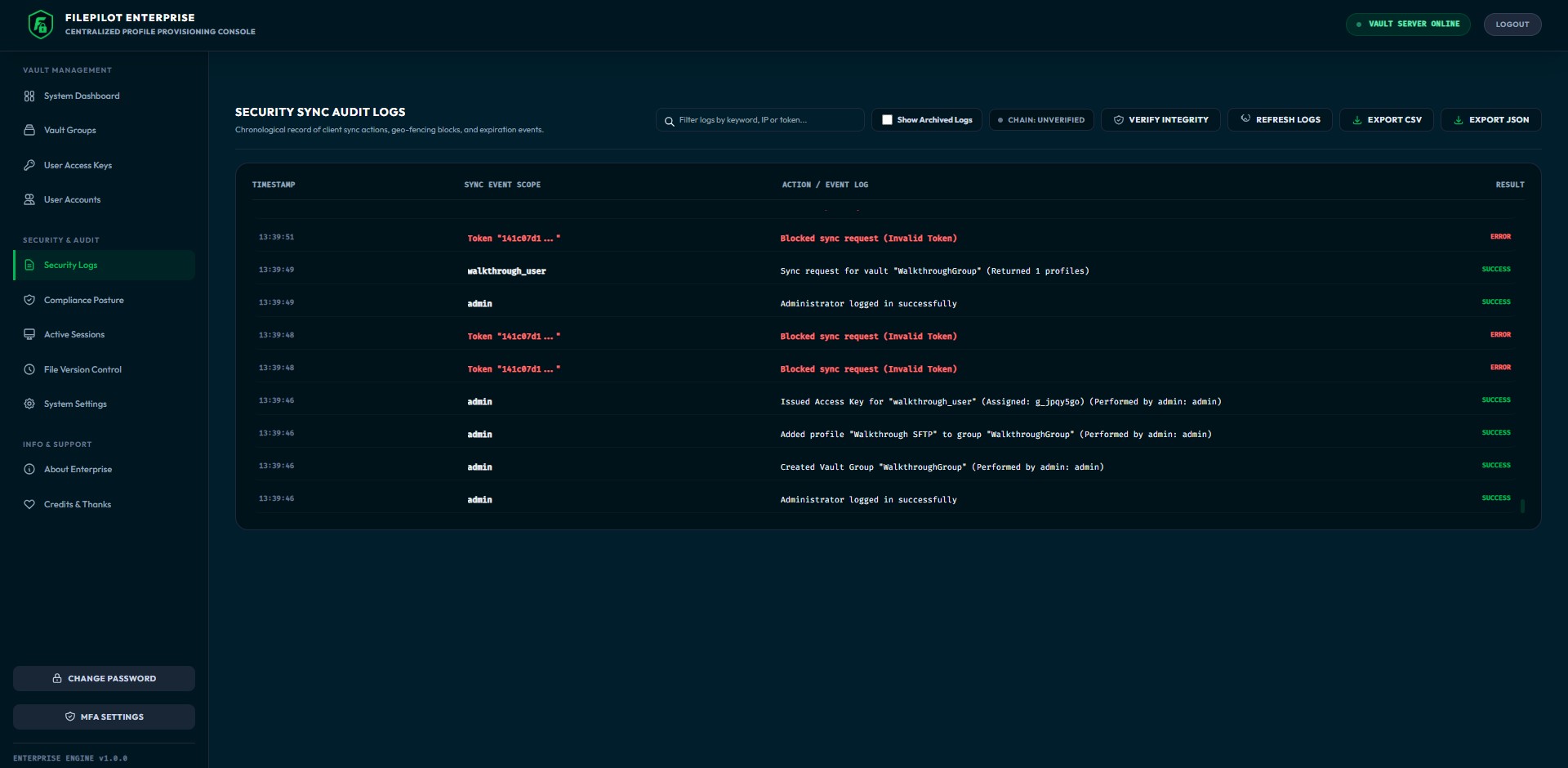
Every action is written to a log that's cryptographically linked together. Change or delete even one entry and the chain breaks — so tampering is impossible to hide.
Stream audit events to your SIEM in real time — with HMAC-signed payloads, automatic retries, and failure logging built in.
Point the Vault at your Splunk, Datadog, ELK, or any custom webhook receiver with a single URL.
Every payload is signed with a shared secret. Your SIEM verifies the signature to confirm the event is authentic.
Failed deliveries retry 3 times (1s → 4s → 16s). Transient outages don't cause audit gaps.
If all retries fail, the delivery failure is itself recorded in the audit trail. You always know when events didn't reach your SIEM.
Freeze an entire Vault Group for regulatory review. Tokens can't be deleted, profiles can't be modified, and the access record remains intact.
Place any group under hold with a reason, responsible user, and timestamp. Data enters locked-down mode immediately.
Optionally freeze all writes — profile edits, token issuance, token deletion. Data is preserved in its exact state.
Tokens and profiles within a held group cannot be deleted. The access configuration is preserved for the investigation.
Hold status and freeze flags are pushed to connected clients via the sync API. Users see the hold status in their app.
Remove the hold from the admin panel when the review ends. All restricted operations become available immediately.
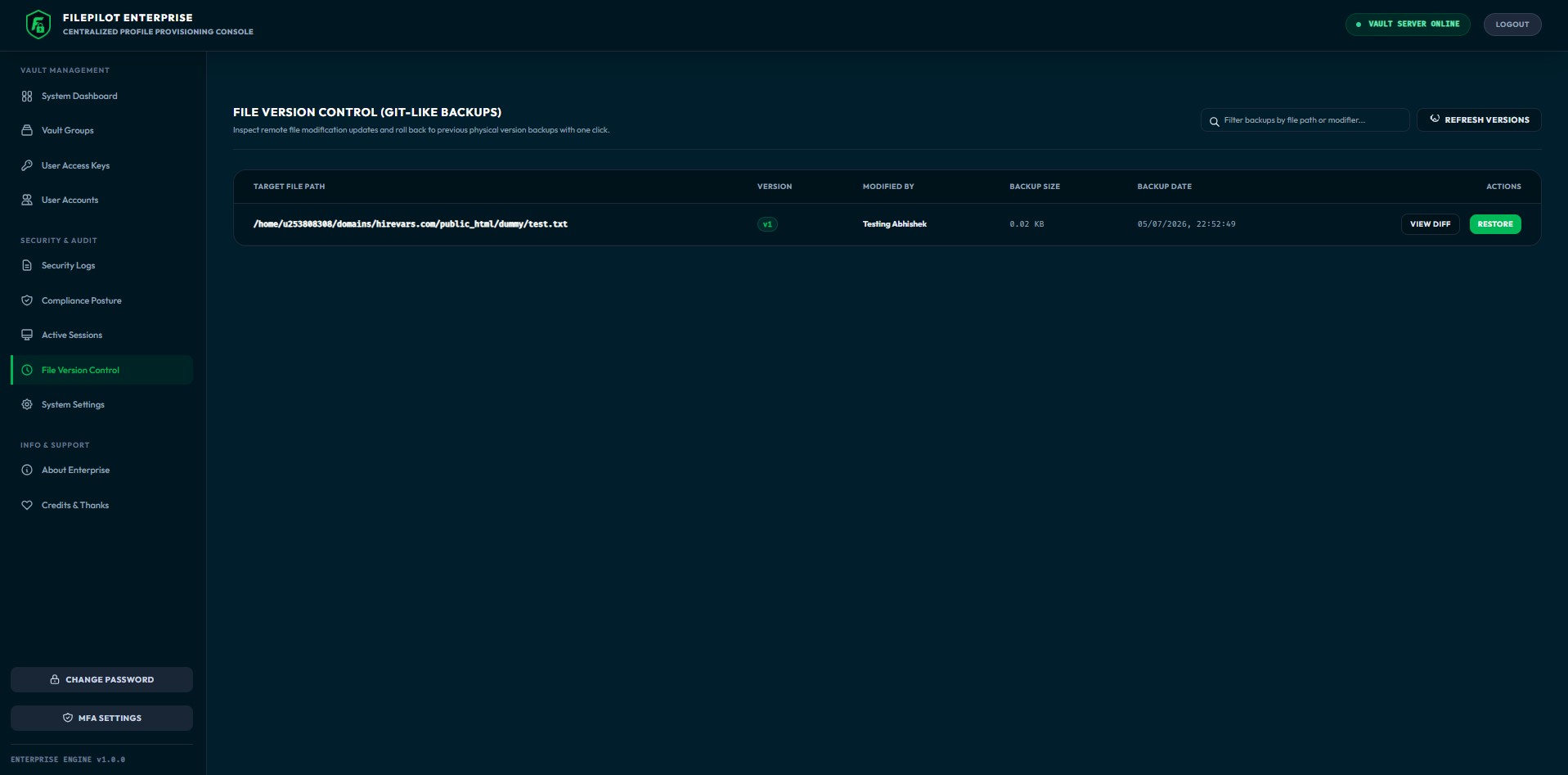
Every file uploaded through a connected app is saved as a version. Browse the history, look at older copies, and roll any file back with one click.
Connected apps stay linked to the Vault at all times. When you cancel a key, undo a file, or freeze a group, it takes effect within seconds — not on the next sync.
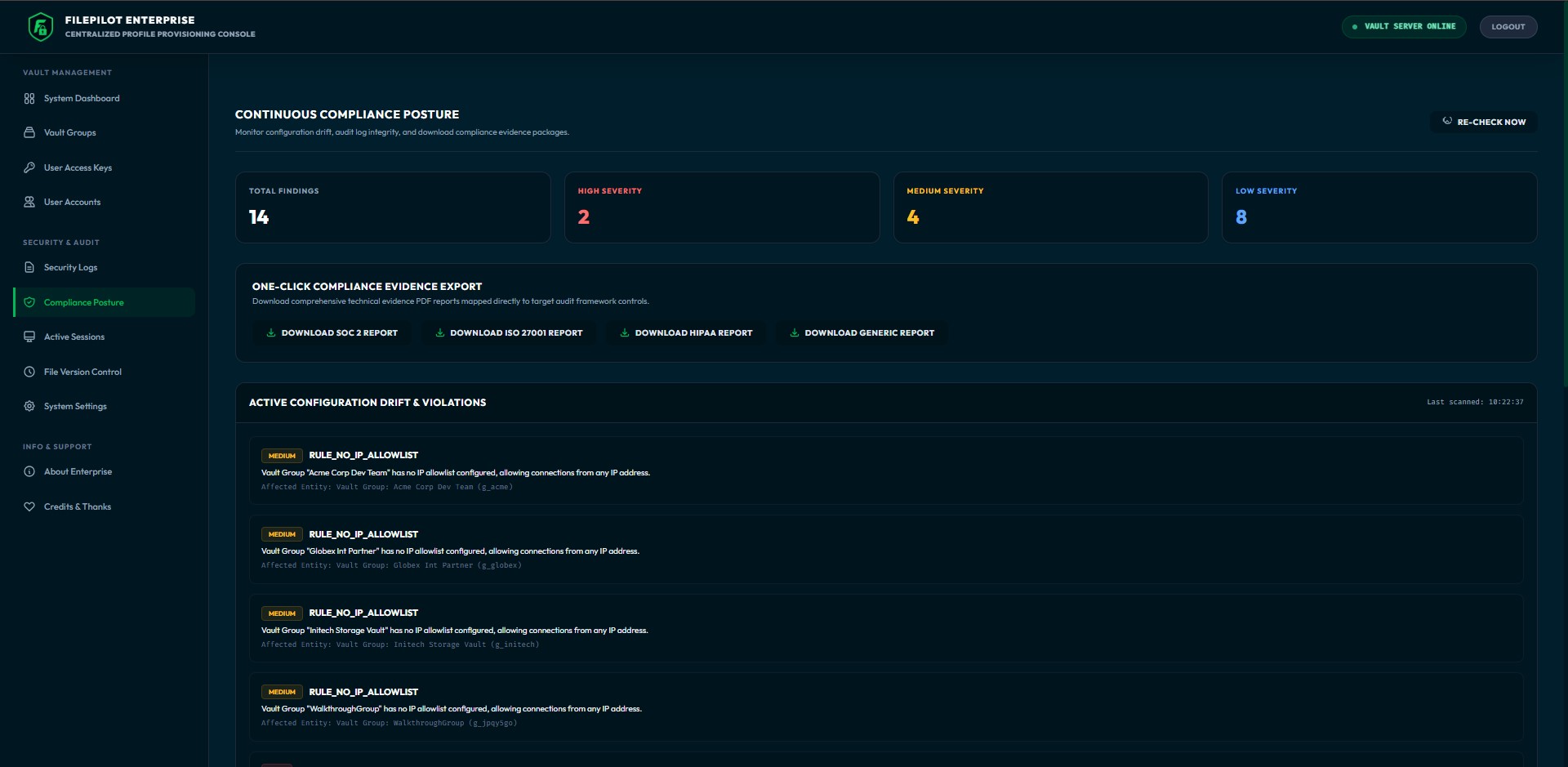
Five posture panels covering encryption, access control, audit integrity, IP policy, and session security — formatted to answer the exact questions your compliance auditor will ask.
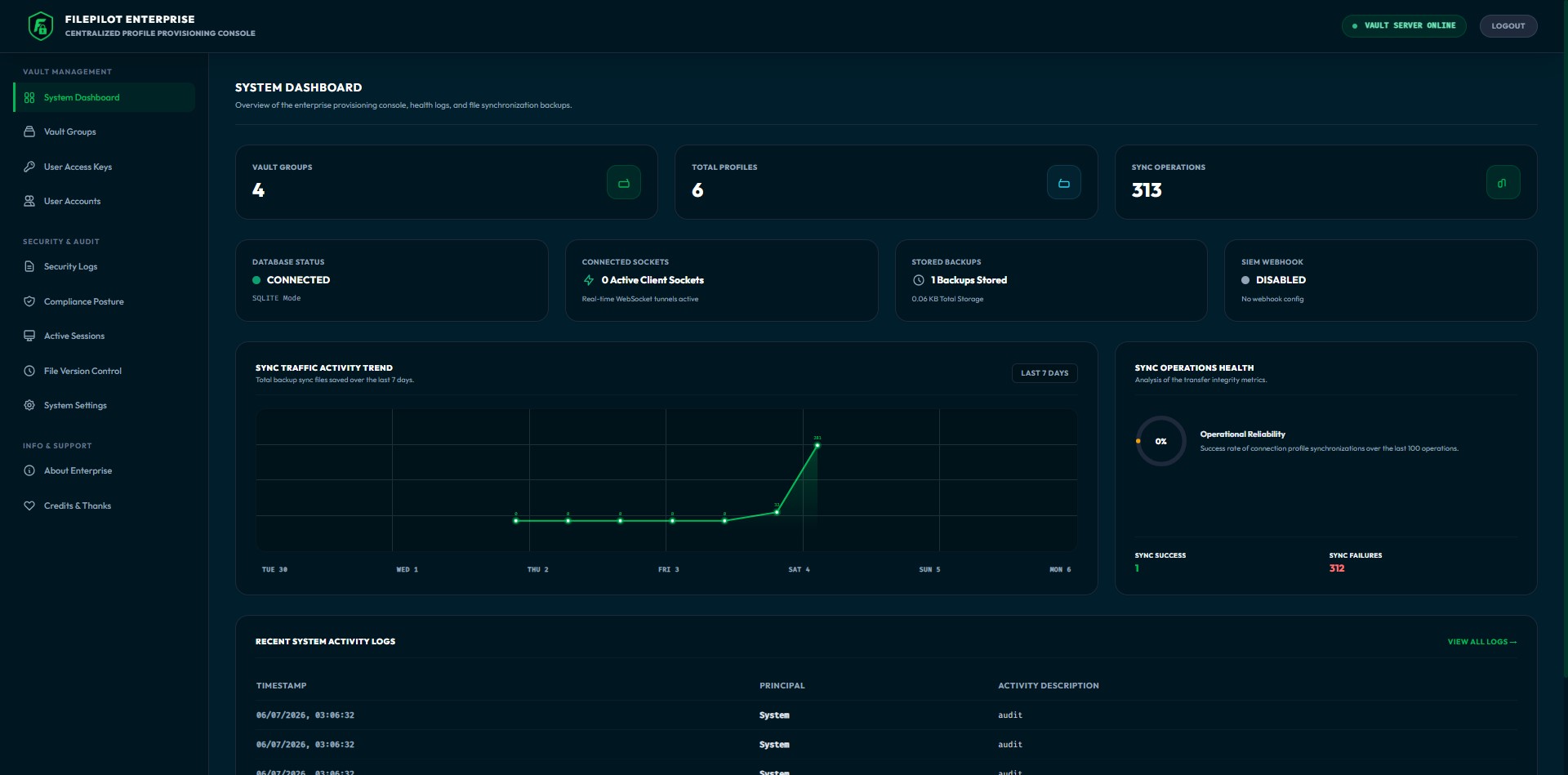
A rich single-page admin interface with live metrics, full CRUD for groups, profiles, tokens, and users — plus audit viewing, compliance reports, and system settings.
The client authenticates with the Vault using an access token over HTTPS, then maintains a persistent WebSocket connection for real-time events. Encrypted connection profiles are delivered through the REST API.
Yes. The Enterprise Vault is a standard Node.js application. Deploy it on your own servers, in Docker, or in any cloud provider. Your data never leaves your infrastructure.
No. The Desktop Client works perfectly as a standalone application. The Vault is only needed for team provisioning, role-based access control, and audit logging.
SQLite for simple single-server deployments, PostgreSQL and MySQL for production clusters. You can switch between them at runtime from the admin panel.
Yes. Both products are MIT licensed with no premium tiers, no per-seat licensing, and no telemetry. Deploy it for your 500-person engineering org at zero cost.
Secure your developers' workstations by routing configurations and audits through the Enterprise Vault.