THE TWO APPS

Two Apps, One System

FilePilot is a fast desktop app anyone can use on their own — plus an optional team server that lets a company manage access, keep file history, and stay compliant.
Client Logo v0.1.2

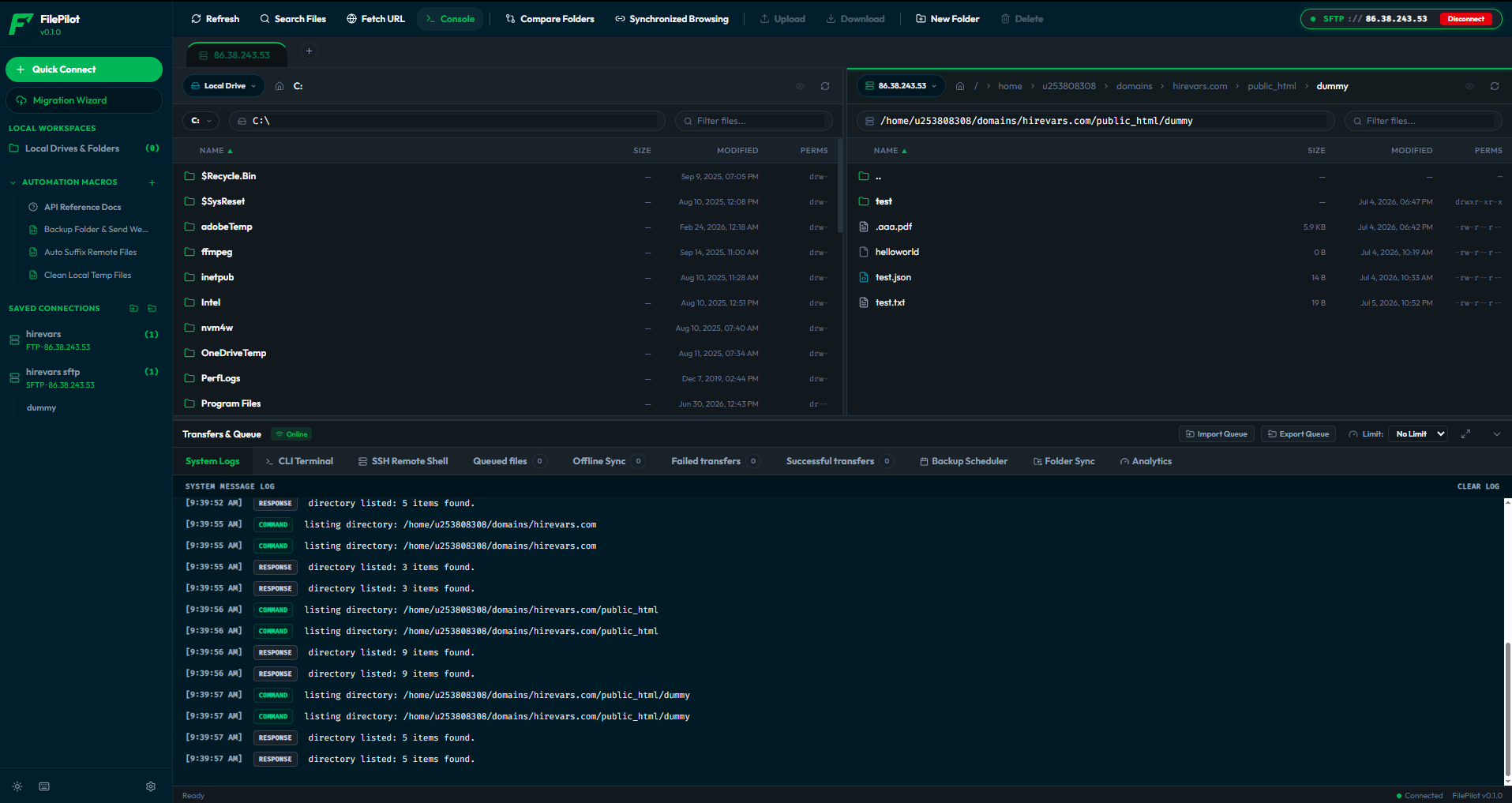
FilePilot Desktop Client

FilePilot Desktop Client Layout
[ ZOOM ]

A fast, native desktop app for moving files to and from your servers. It transfers many files at once and keeps your passwords encrypted on your own device.

Rust (Tauri Backend) React & TypeScript tokio (Async Engine) SQLite (Local Config) AES-256-GCM Envelope
  • Developers managing multi-server configurations.
  • DevOps engineers writing JS transfer automation macros.
  • General power users needing reliable parallel transfers.
  • Teams requiring client-side password encryption.
Explore Client Features →
v0.1.0

FilePilot Shell

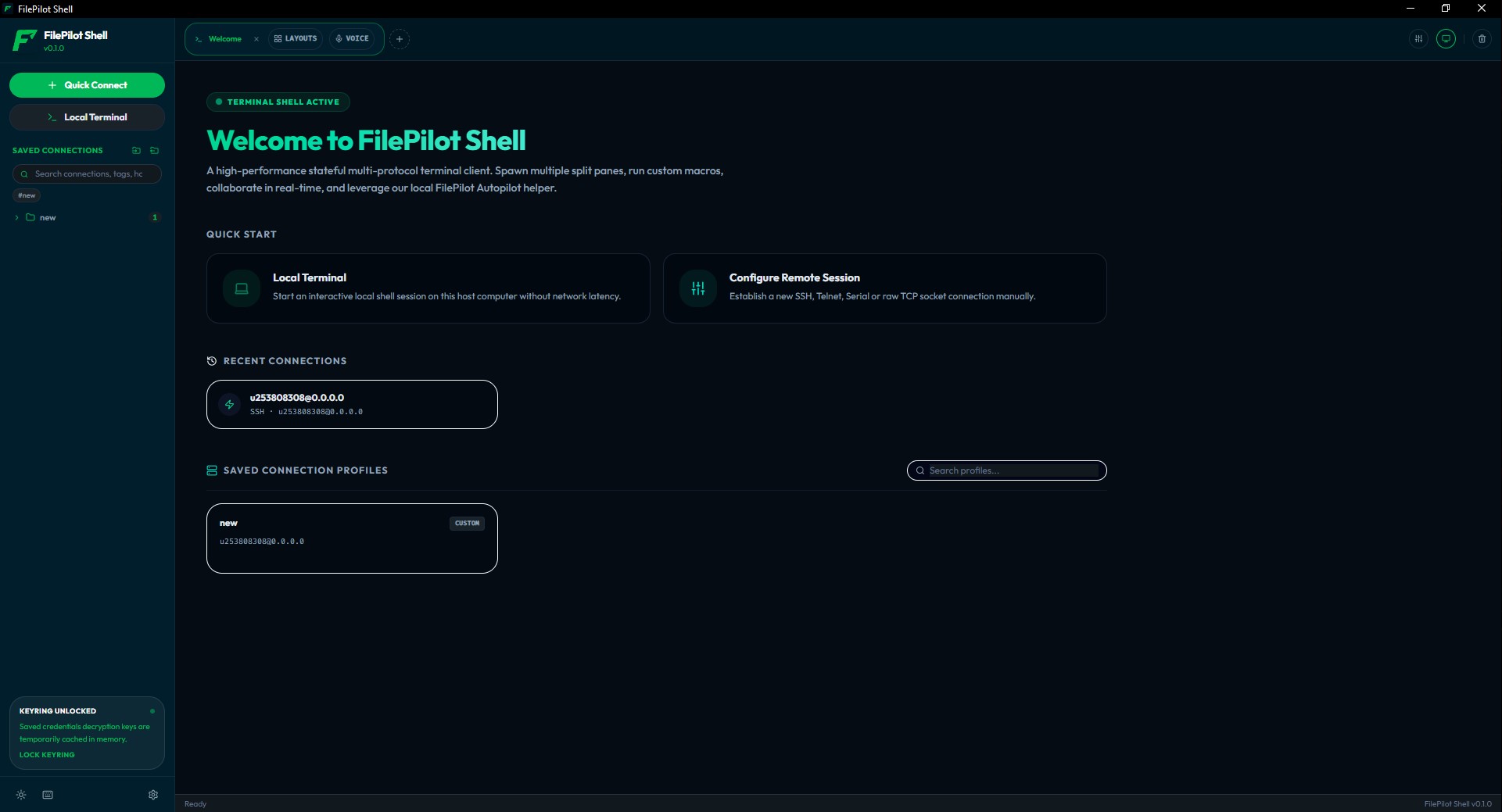
FilePilot Shell Workspace layout
[ ZOOM ]

A premium, lightning-fast multi-tab terminal emulator. Run local shells and manage SSH connections with beautiful fonts, Nerd ligatures, and built-in automation.
Rust (Tauri Backend) React & TypeScript portable-pty (PTY) WebGL / Canvas AES-256-GCM Crypt
  • DevOps engineers broadcasting inputs across host splits.
  • Developers requiring clean fonts and programming ligatures.
  • Security auditors needing PTY session stdout recording logs.
  • Teams utilizing HashiCorp Vault credential locking.
Explore Shell Features →
Enterprise Logo v0.1.0

FilePilot Enterprise Vault

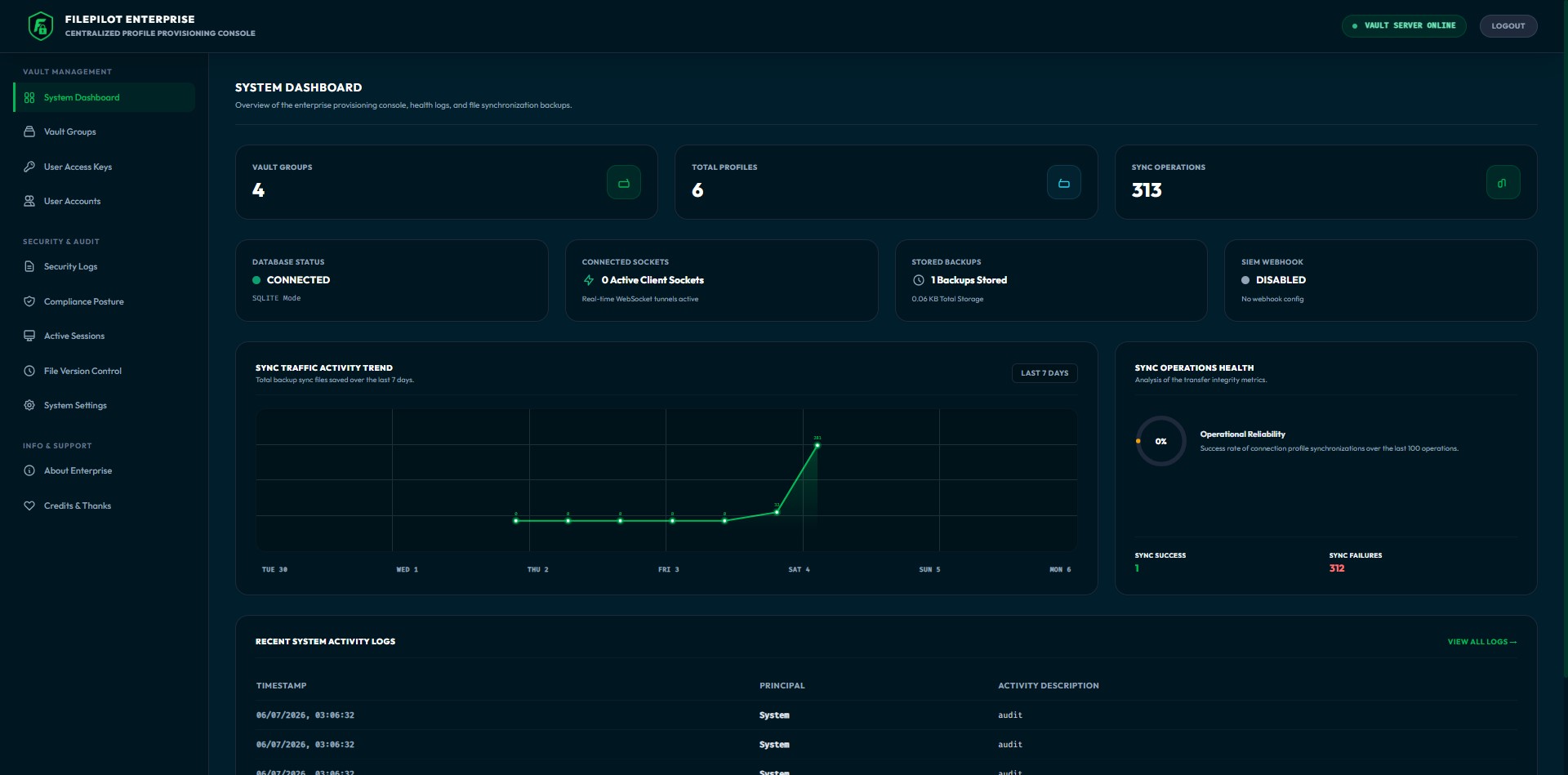
FilePilot Enterprise Vault Console
[ ZOOM ]

A central server you run yourself (on-site or in your own cloud). It manages server logins, limits who can connect, records every action, and supports legal holds.

Node.js (Express Server) WebSockets (Real-time Sync) KMS Providers (AWS, Azure, GCP) PostgreSQL / MySQL / SQLite SHA-256 Block Hashing
  • IT security administrators provisioning connections.
  • Platform engineering teams enforcing central logging policies.
  • Compliance officers requiring audit chains.
  • Enterprises with SSO and key-rotation policies.
Explore Vault Features →

How the Two Apps Work Together

Here's how the desktop app gets server logins from the Vault — without any password ever being exposed.

[ FLOW DIAGRAM ] SECURE_PROVISIONING_TUNNEL ACTIVE PORT: 8443
[1] Vault Administrator configures connection profiles on the Web Panel.
↓ credentials encrypted using AWS/Azure KMS wrapping keys
[2] Admin issues token scoped to specific Vault Group.
[3] Desktop Client connects using token via sync API.
↓ validation: checks IP allowlist CIDR & client validation
[4] Profiles synced directly to Client's local DB.
↓ client seals connection details using local PBKDF2 Master Pass
[5] Developer triggers transfer: client executes operations directly with server.
↓ WebSocket audits actions to Vault Server & backs up versions
[OK] End-to-end audit chain completed. Developer never sees raw passwords/keys.