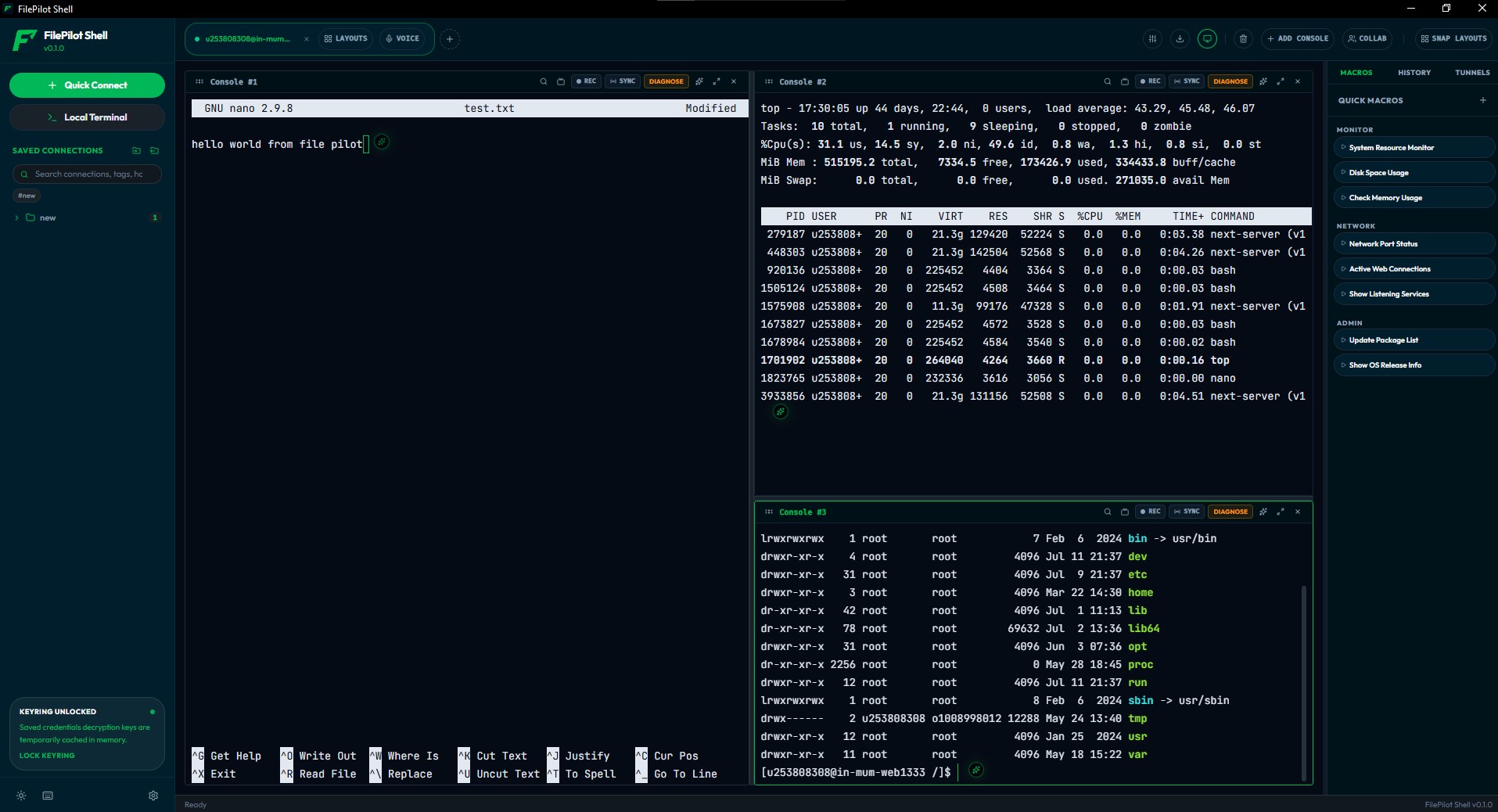
Unified Sync Manager
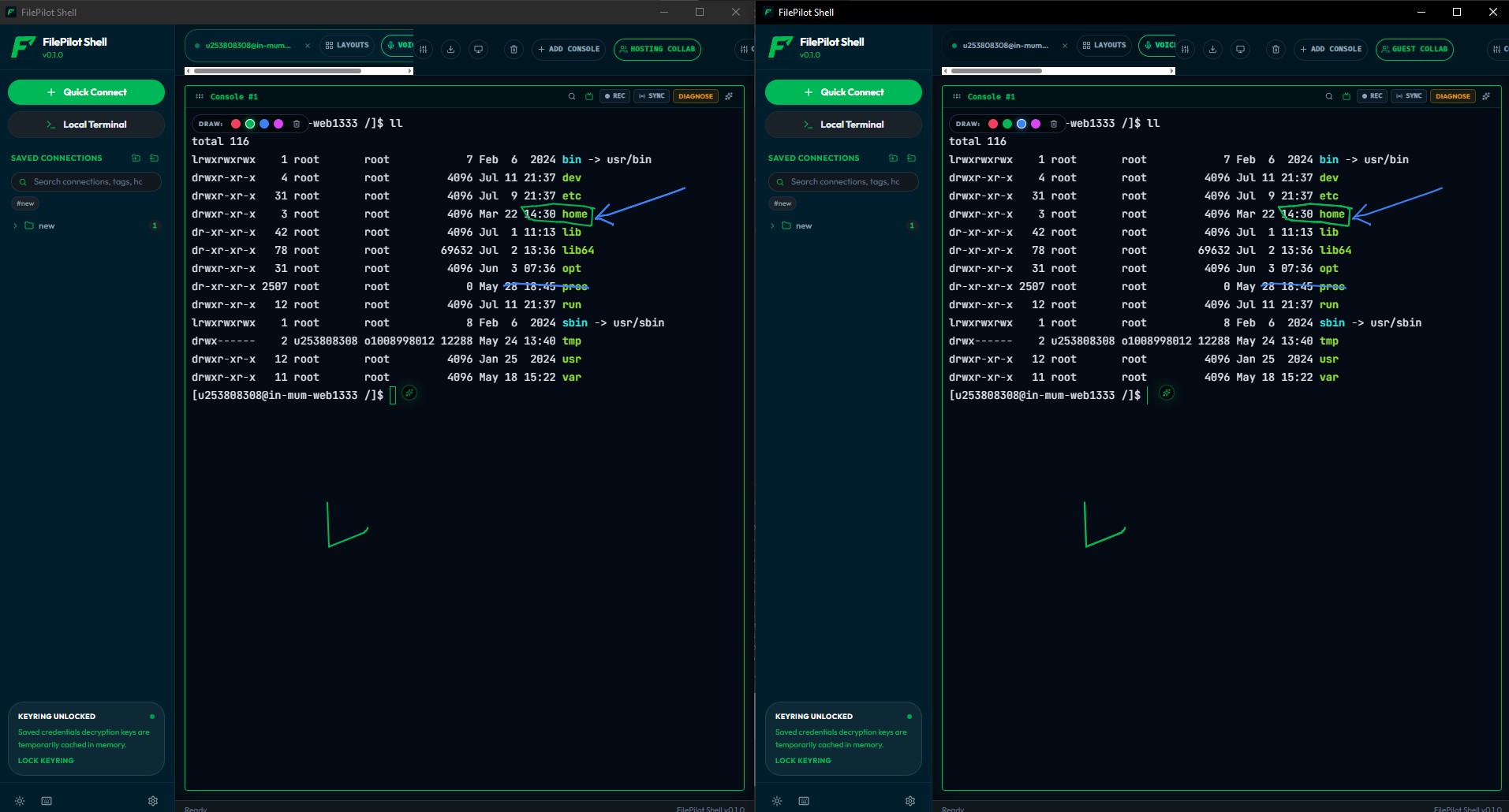
Broadcasting commands to multiple hosts can be complex. FilePilot Shell introduces a dropdown Sync Manager directly on each split pane, enabling partial and cross-tab synchronization.
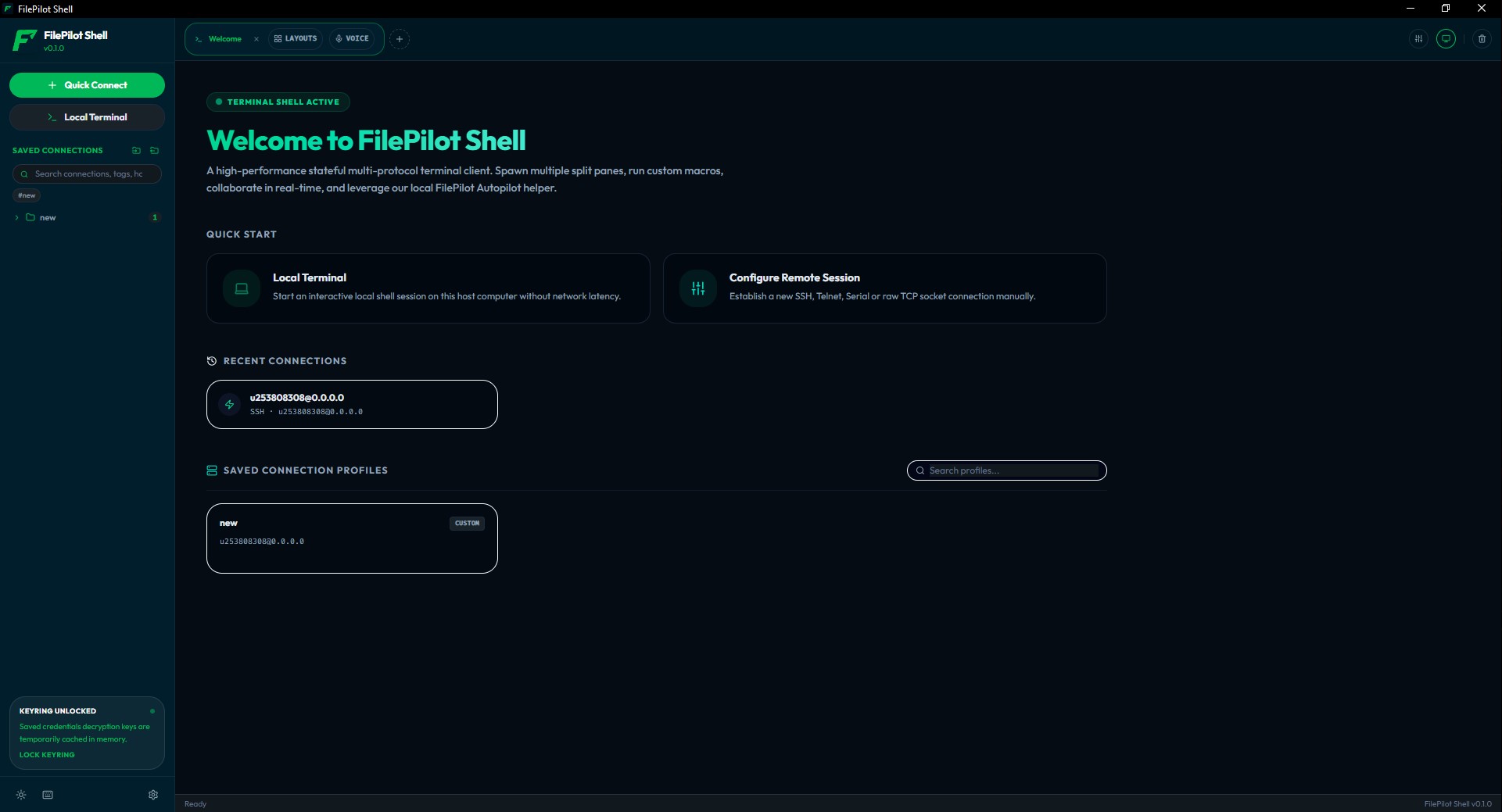
Accelerate your shell workflow with FilePilot. A premium, lightning-fast multi-tab terminal emulator built on Tauri and Rust.
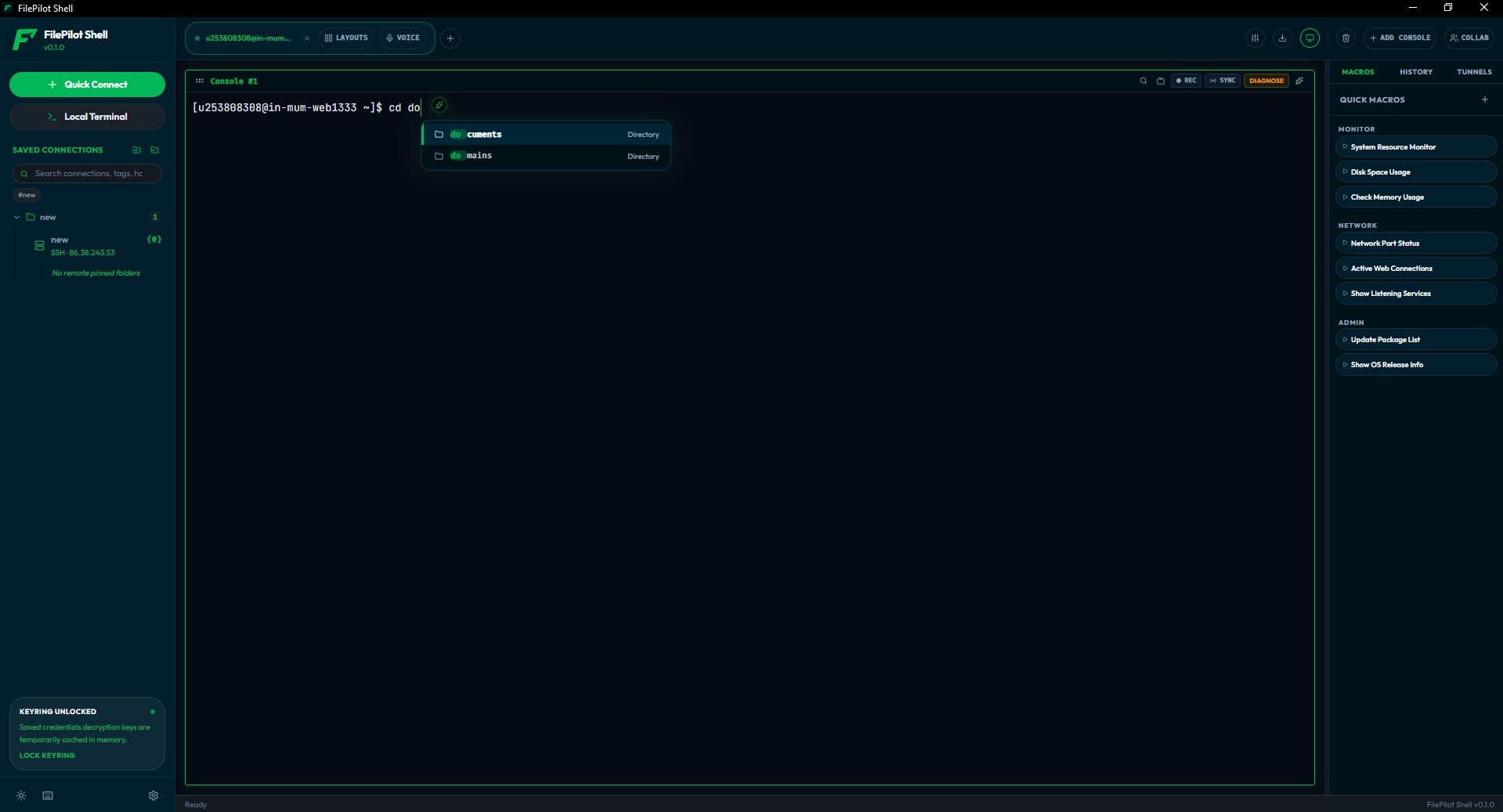
Traditional terminal apps get cluttered easily. FilePilot Shell offers built-in multi-tab layout and pane splits with group synchronization.
Retrieve and store SSH keys and remote profiles safely. Seamless integration with local encryption or enterprise central vault overlays.
Write custom environment startup macros in JavaScript or Shell, view command suggestions, and run workflows in parallel instantly.
Broadcasting commands to multiple hosts can be complex. FilePilot Shell introduces a dropdown Sync Manager directly on each split pane, enabling partial and cross-tab synchronization.
Analyze terminal outputs post-connection. FilePilot continuously gathers stdout streams when active, saving audit logs locally or streaming to remote servers.
Save time typing the same setups on connection startup. Run macros that initialize environment variables, aliases, or connect SSH sub-sessions automatically.
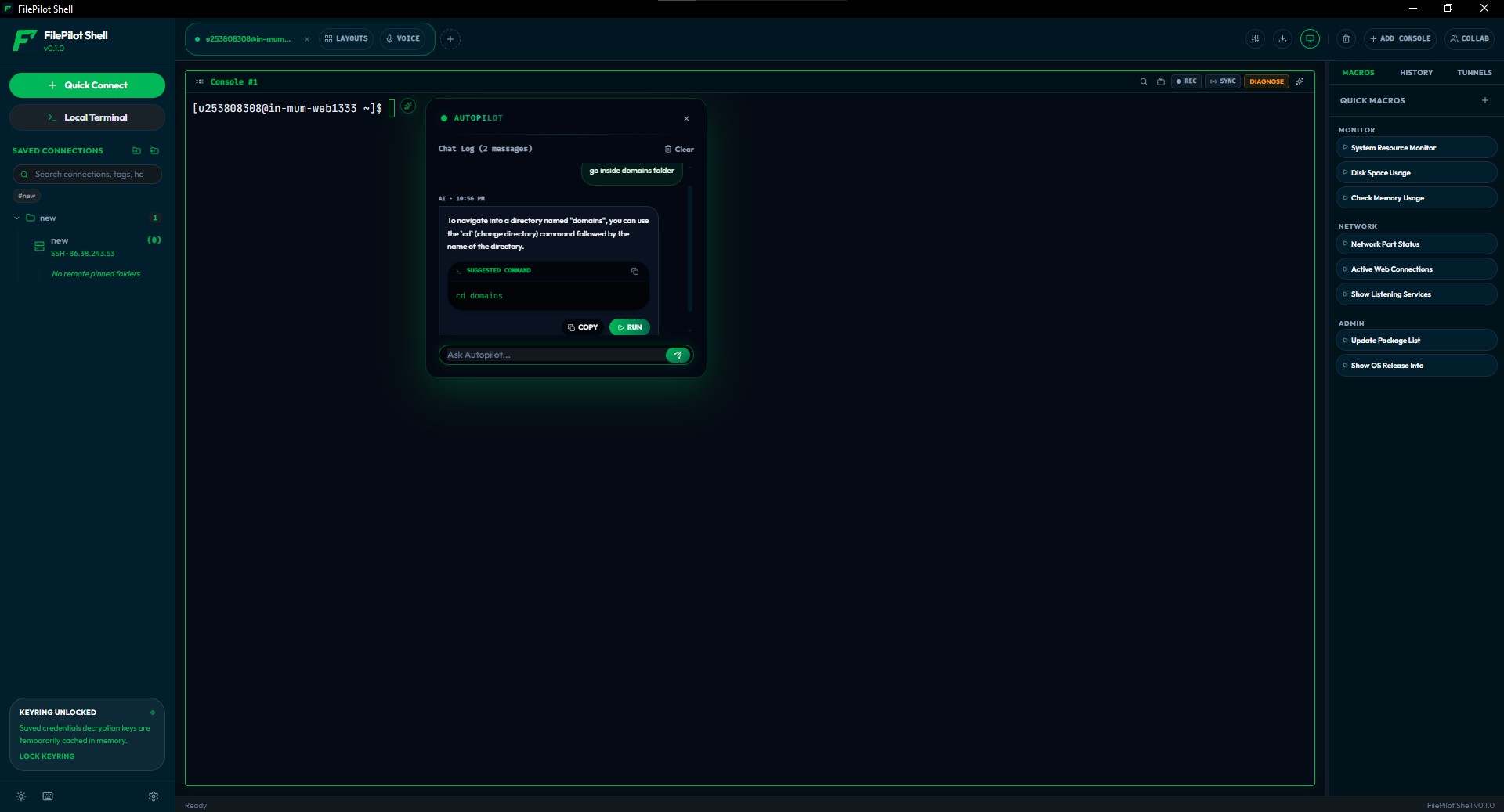
Never forget a complex command-line syntax again. Build and debug command lines using the built-in AI shell copilot directly inside the terminal window.
FilePilot Shell contains powerful configurations designed for system administrators and command line power users.
Prevent accidental command execution. Configure built-in paste warnings, auto-strip trailing newlines, and control right-click vs copy-on-select behaviors.
Filter connections with tag intersection, organize remote hosts in folders, and expand profile trees automatically.
Fetch credentials securely from HashiCorp Vault. Tokens and private keys are decrypted on-the-fly and hidden behind lock overlays.
Built-in support for JetBrains Mono Nerd Font and Fira Code. Renders programming ligatures (like
-> to → and != to ≠) on mount with zero
performance hit.
Configure SSH connections using dashboard switch cards. Customize routing, validation, and credentials in seconds.
Forward ssh-agent credentials securely. Keep your private keys on your local machine and use them to jump between remote servers.
Speed up connection testing in internal subnets by bypassing host key verification when connecting to temporary containers.
Seamlessly route your SSH traffic over SOCKS5 or HTTP proxies, maintaining access to private servers through bastions.
Set precise keepalive thresholds to prevent firewall timeouts and keep terminal connections alive during idle periods.
Optimized for low footprint and fast text layout rendering.
| Parameter | Specification | Details |
|---|---|---|
| Backend Engine | Tauri & Rust | Native OS execution, no heavy VM wrappers. |
| PTY allocation | portable-pty |
Low memory footprint (<45 MB idle). |
| Renderer | WebGL / Canvas | Fast stdout text layout rendering. |
| Encryptions | AES-256-GCM | Zero-knowledge client-side encryption. |
| Database | SQLite | Saved profiles and configs stored locally. |
| SSH Standard | SSH-2 (RFC 4251) | Universal compatibility with remote servers. |
PowerShell Core, CMD, and Windows Subsystem for Linux (WSL).
Native zsh, bash, fish, and custom remote SSH connections.
Native terminal execution (bash, sh) and remote server tunnels.
Direct COM and SerialPort communication for hardware devices.
Launch FilePilot Shell directly from your terminal and auto-connect to any saved profile by name or ID:
# Auto-connect to a saved connection profile named "production-db"
filepilot-shell --profile "production-db"
# Or using shorthand arguments
filepilot-shell -p "prod-vault-node"
If you wish to build FilePilot Shell locally, ensure you have Rust, Node.js, and npm installed:
# Clone the repository
git clone https://github.com/abhibagul/filepilot-shell.git
cd filepilot-shell
# Install frontend dependencies
npm install
# Run the developer version (launches Tauri window)
npm run dev
# Compile production binary bundles
npm run build
FilePilot Shell supports independent pane zooming. Focus on a specific split pane and press:
Ctrl + + (or =) to zoom in (up to size 36).Ctrl + - to zoom out (down to size 6).Ctrl + 0 to reset to the default font size.FilePilot Shell supports native Command Prompt, PowerShell, and WSL on Windows, and zsh, bash, and fish on macOS and Linux, alongside secure remote SSH terminals.
FilePilot implements HTML5 Drag and Drop triggers, allowing you to drag and reorder terminal tab headers dynamically.
Focus on your shell splits and let the background queue handle your remote file transfers.